
Common Copier Error Codes and What They Mean
A plain-English guide to the codes that show up on your control panel and which ones you can clear yourself.
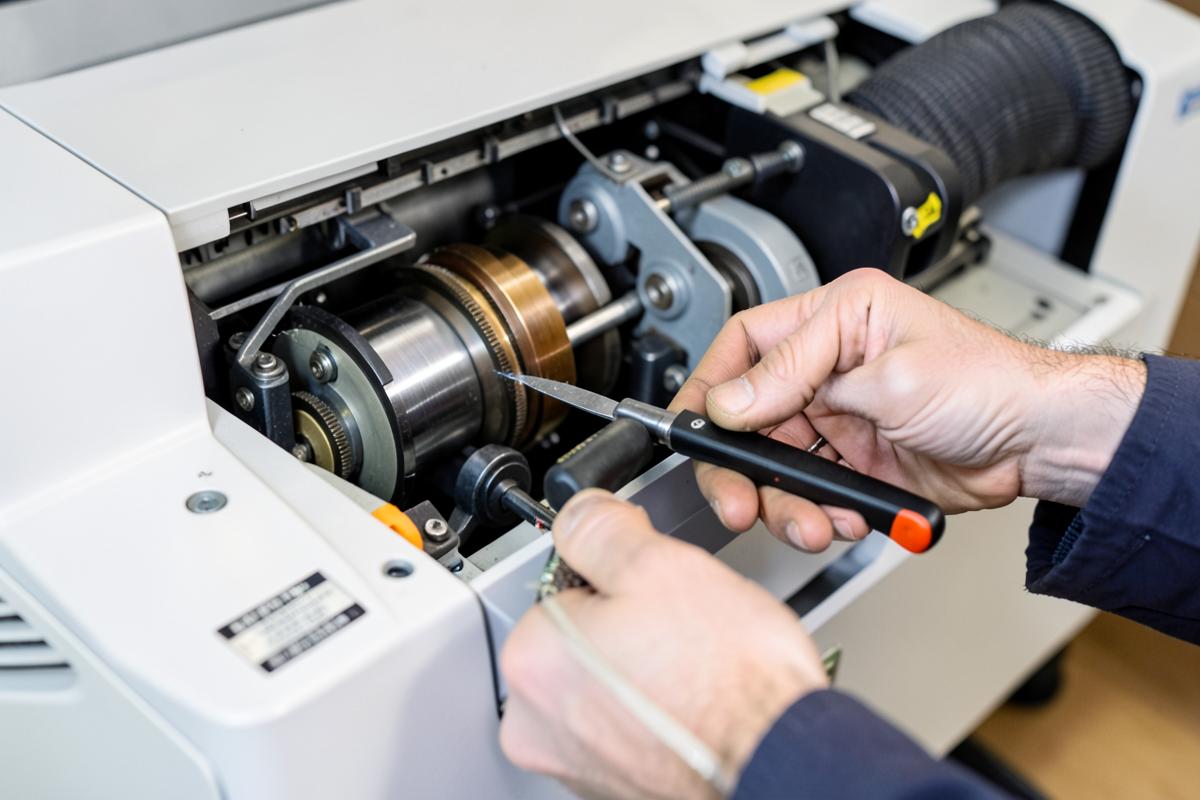
Error codes are the machine telling you where it stopped, not why. A fuser code usually means a temperature sensor read outside its expected window; that can be a failing lamp, a dirty thermistor or simply a cold start after a power event.
Codes beginning with a jam prefix point at a sensor that expected a sheet and did not see one in time. Before calling for service, open every door, remove all paper including the sheet you cannot quite see, and power cycle from the hard switch rather than the panel button.
Codes tied to the scanner or document feeder are often optical: a dusty glass strip or a home-position sensor blocked by paper dust. Codes tied to the drum, developer or transfer unit almost always need a technician and a part.
What this means for your office
Most of the trouble we are called out for is preventable, and much of it is cheap to prevent compared with the emergency visit it turns into. If any of the above matches what your machine is doing, note the make, model and exact wording of the message on the panel before you call — it shortens the diagnosis considerably.
When to call a technician
Call when the same fault returns after a full power cycle, when print quality degrades in a repeating pattern, or when a maintenance counter is past its rated interval. Those three signals almost always mean a worn component rather than an operating error.
Need hands on the machine?
Opheliaaro Co. covers Plano and North Texas with same-day dispatch on most calls.
Call (972) 583-6714 Request a QuoteKeep reading
Questions this guide didn't answer?
We answer the phone during business hours and give straight advice, even if it means no service call.